Connecting Your Smart Watch to Pokemon Sleep: A Comprehensive Guide
Tuesday, 24 September 2024, 04:04
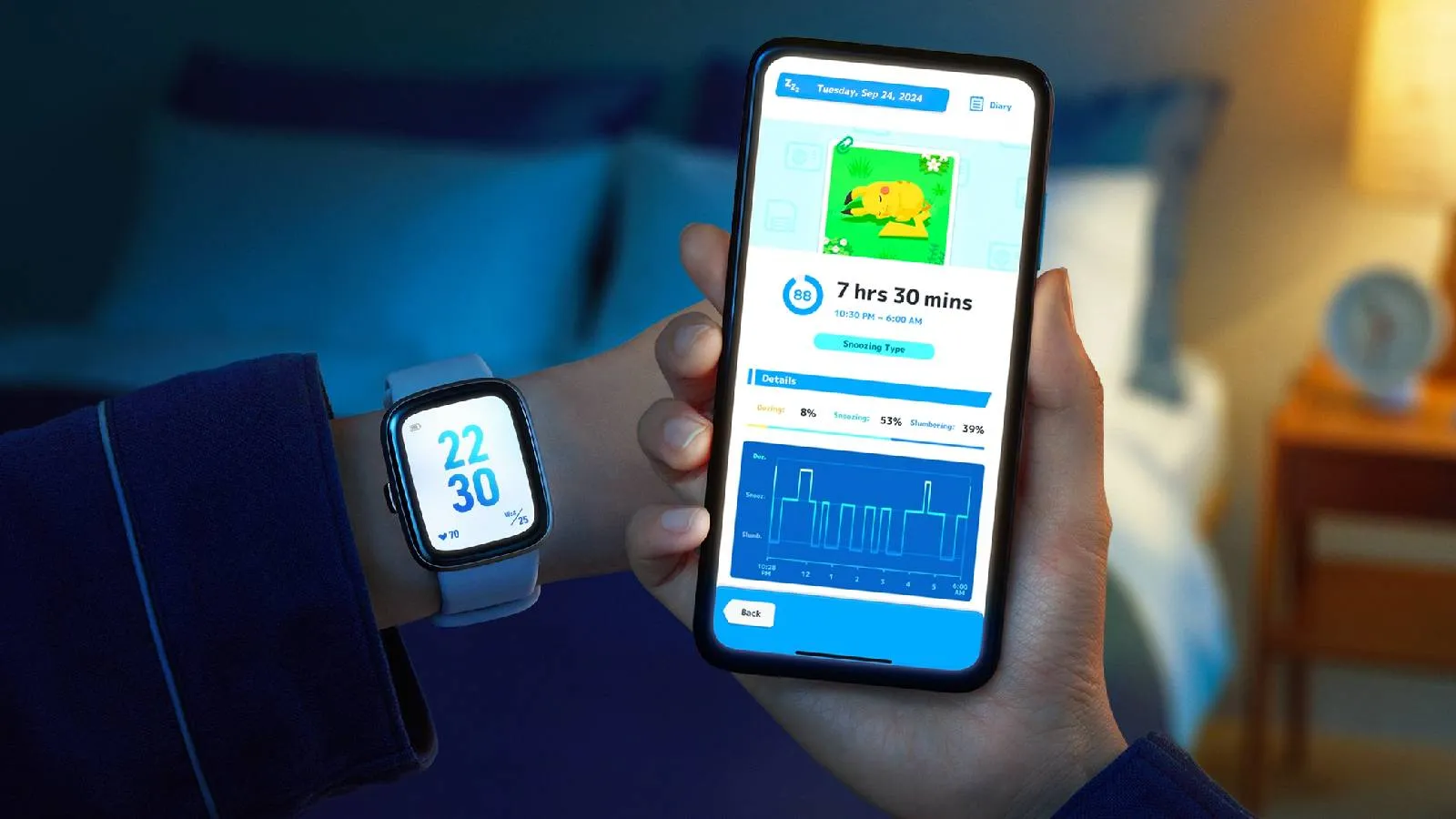
Connecting Your Smart Watch to Pokemon Sleep
Pokemon Sleep players can now connect their Smart Watch for enhanced tracking features. With the latest update, you can easily sync your sleep data using either Apple Health or the Health Connect app. This allows players to enjoy the benefits of sleep tracking without redundancy.
How to Connect Smart Watch to Pokemon Sleep
To connect your Smart Watch, follow these simple steps:
- Ensure you're using the latest version of Pokemon Sleep.
- If you haven’t completed the tutorial, go to the main lobby and click 'Pair Device'.
- If you have finished the tutorial, navigate to Settings & More in the main menu, then click 'Pair Device'.
- Select 'Pair Smartwatch' and enable the connection to Apple Health.
- Allow Pokemon Sleep to access your sleep data by tapping 'Turn on All'.
- Choose 'Pair a Device' when asked to select a data source.
- You’ll see a confirmation message upon successful linking.
After tracking your sleep, navigate to 'Sync/Settings' on the main screen to sync your data.
This article was prepared using information from open sources in accordance with the principles of Ethical Policy. The editorial team is not responsible for absolute accuracy, as it relies on data from the sources referenced.