Enable DLSS 4.5 for Enhanced Gaming Experience With NVIDIA
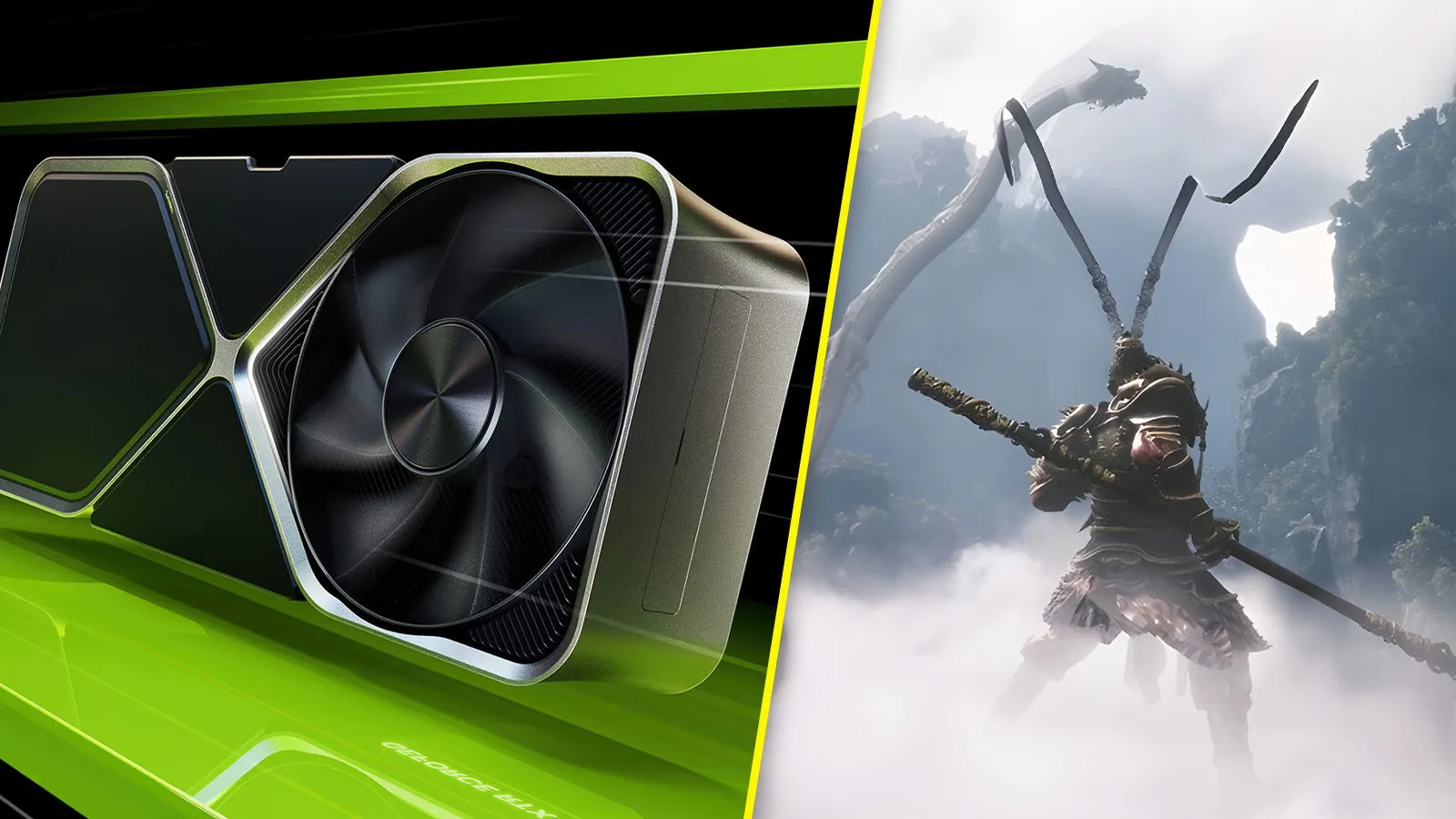
What is DLSS 4.5?
NVIDIA has unveiled DLSS 4.5, a significant leap in gaming graphics technology. This latest version introduces a second-generation transformer model designed specifically for Super Resolution. The result? Remarkably improved image quality, reduced ghosting, and enhanced anti-aliasing across more than 400 games.
Step-By-Step: How to Enable DLSS 4.5
To activate DLSS 4.5, follow these simple steps:
- Open the NVIDIA App and navigate to the Drivers section.
- Download driver version 591.74 or newer.
- Access Settings, and enable beta features in the About tab.
- Find the DLSS override setting under Global Settings.
- Set it to Latest, and you’re all set!
Key Improvements with DLSS 4.5
- Fewer shimmering artifacts
- Less ghosting for fast-moving objects
- More precise anti-aliasing for sharper edges
DLSS 4.5 is compatible with all RTX GPUs, from the RTX 20 series to the latest RTX 50 series. While the new features are exclusive to RTX 50 series GPUs, all RTX users can enjoy enhanced visuals with this upgrade.
This article was prepared using information from open sources in accordance with the principles of Ethical Policy. The editorial team is not responsible for absolute accuracy, as it relies on data from the sources referenced.