Discover How Apple Intelligence Turns Your Photos into a Memory Movie with iOS 18.1
Experience the Future of Photo Sharing
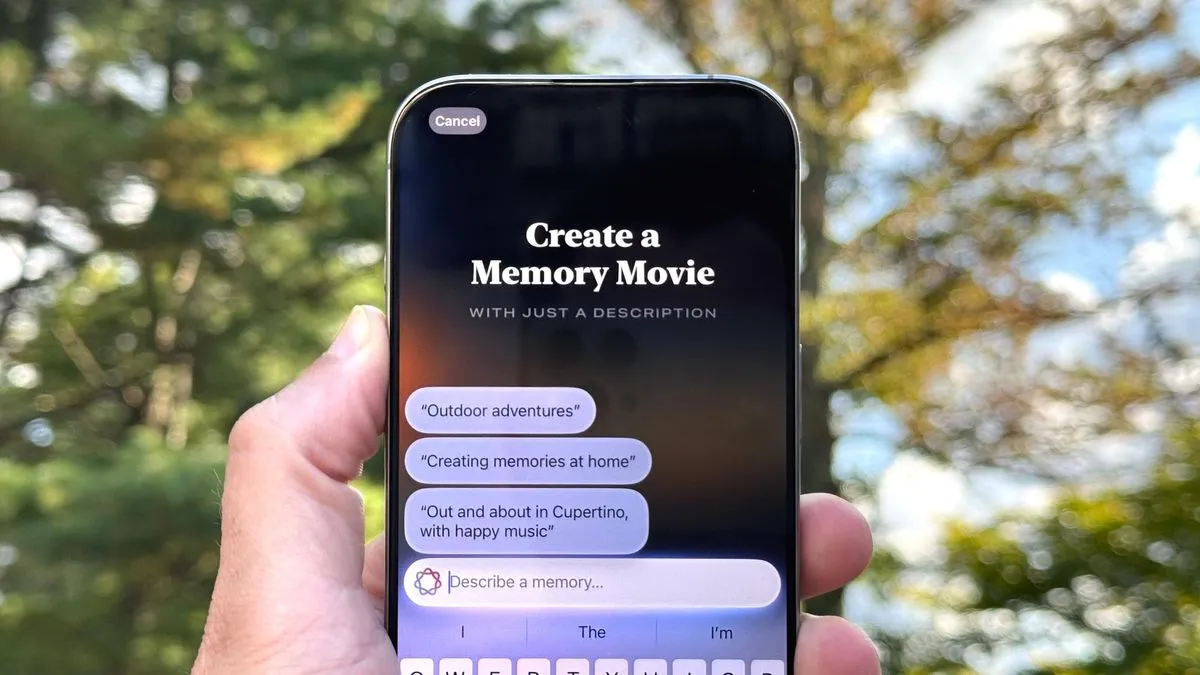
With iOS 18.1, Apple Intelligence provides an intriguing feature that transforms your photos into a stunning Memory Movie. This functionality is exclusive to certain devices, primarily the iPhone 15 Pro and iPhone 15 Pro Max, showcasing mobile technology's cutting-edge capabilities.
Getting Started with Memory Movies
To leverage this feature, users must first ensure they have the iOS 18.1 public beta installed on their devices.
- Step 1: Update your iPhone to the latest iOS version.
- Step 2: Access the Photos app and select your desired images.
- Step 3: Use the Memory Movie feature to create a personalized slideshow.
Why It Matters
With the introduction of Memory Movies, Apple continues to showcase its commitment to blending technology and creativity, enhancing how we interact with our memories.
This article was prepared using information from open sources in accordance with the principles of Ethical Policy. The editorial team is not responsible for absolute accuracy, as it relies on data from the sources referenced.