Connect Your Xbox One Controller To Xbox Series X/S Seamlessly
Friday, 20 September 2024, 23:14
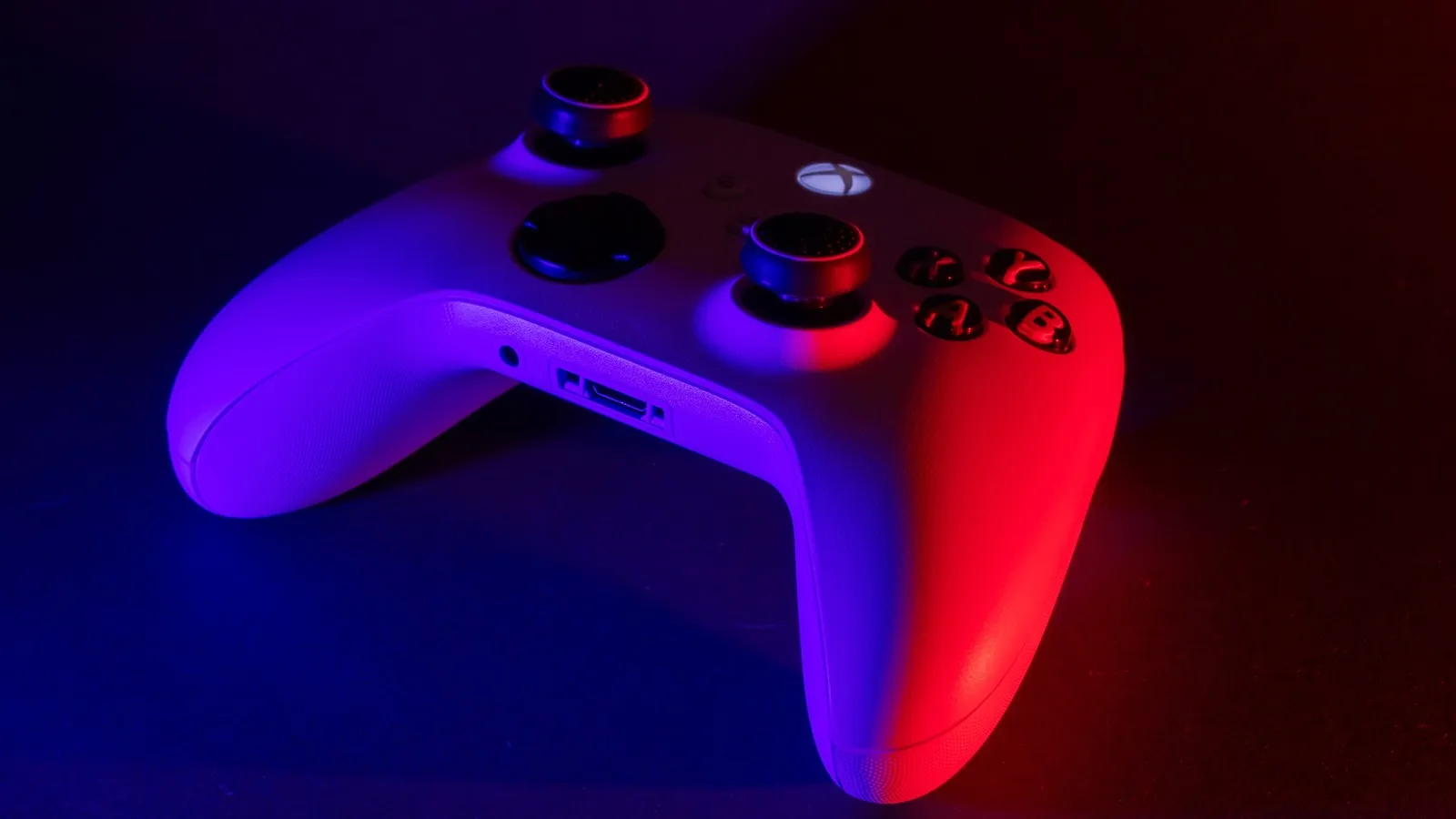
Unlocking Controller Compatibility
To connect an Xbox One controller to your Xbox Series X or S, start by ensuring your console is powered on. Follow these steps:
- Power up your console.
- Press the Xbox button on your controller to activate it.
- Press and hold the pairing button on the console until the Xbox logo starts flashing.
- Press the pairing button on the controller until it starts flashing as well.
- Wait until the lights stop flashing and stay illuminated, indicating a successful connection.
Troubleshooting Tips
If you encounter any issues:
- Ensure your controller is updated.
- Replace the batteries if it does not connect.
- Try reconnecting following the same steps if you lose connection.
This article was prepared using information from open sources in accordance with the principles of Ethical Policy. The editorial team is not responsible for absolute accuracy, as it relies on data from the sources referenced.