A Comprehensive Guide to Cropping Videos on Your iPhone
Friday, 26 July 2024, 06:00
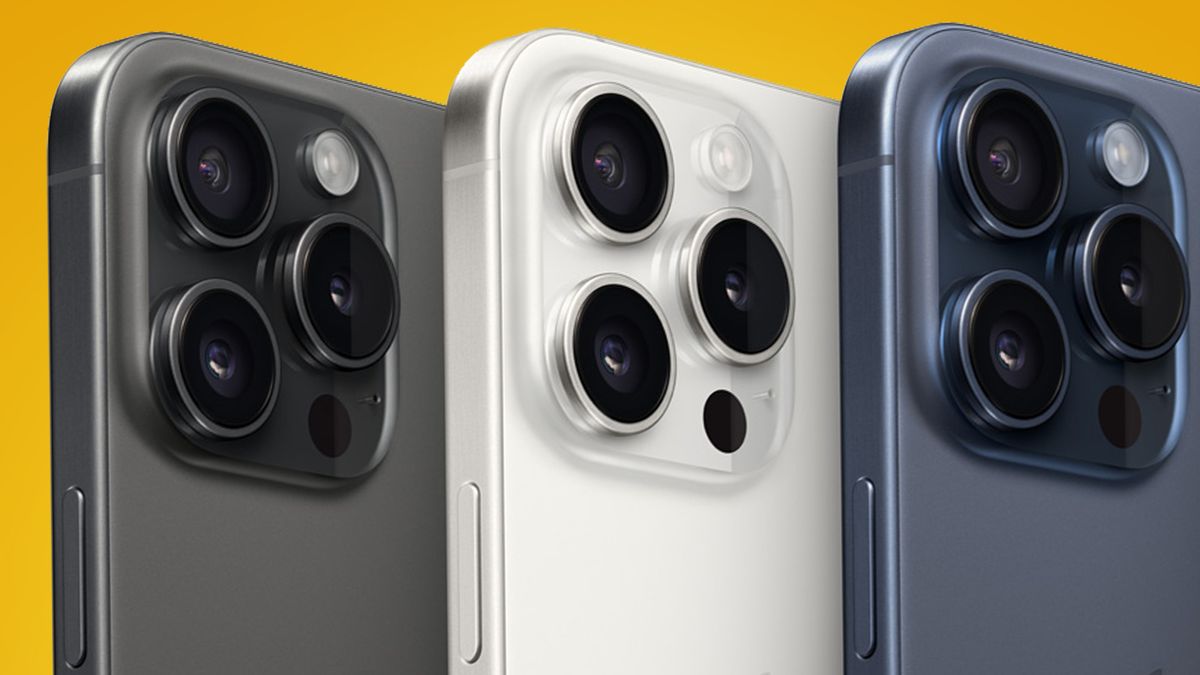
How to Crop a Video on iPhone
Are you looking to enhance your video content by cropping unwanted parts on your iPhone? Follow these easy steps to achieve a polished look.
Step-by-Step Instructions
- Open the Photos app on your iPhone.
- Select the video you wish to crop.
- Tap on the Edit option at the top right corner.
- Select the Crop tool from the editing menu.
- Adjust the borders to focus on the desired section of your video.
- Tap Done to save your changes.
Conclusion
By following these simple steps, you can effectively crop videos on your iPhone, making your content visually appealing. This skill is invaluable for anyone looking to improve their video editing capabilities.
This article was prepared using information from open sources in accordance with the principles of Ethical Policy. The editorial team is not responsible for absolute accuracy, as it relies on data from the sources referenced.