How to Use RCS Messaging on iOS 18
Tuesday, 30 July 2024, 06:30
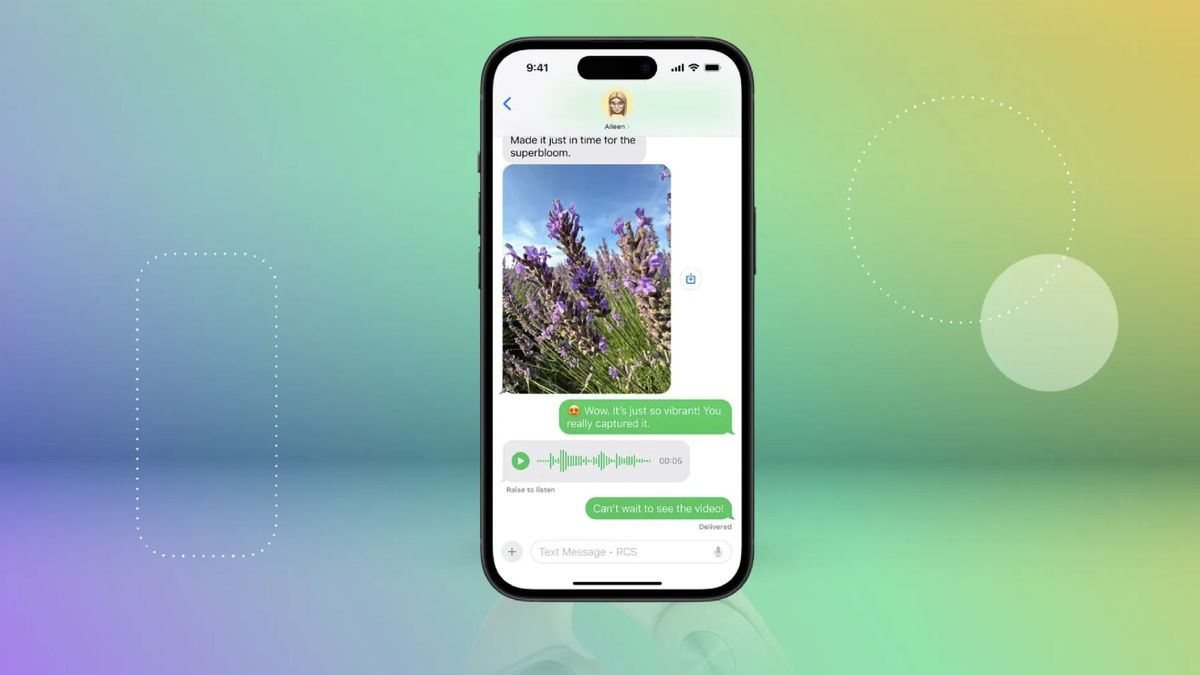
iOS 18 Brings RCS Messaging to iPhone
With the arrival of iOS 18, iPhone users can now take advantage of RCS messaging, which significantly enhances cross-platform communication.
What is RCS Messaging?
Rich Communication Services (RCS) is a protocol that upgrades traditional SMS texting by offering features such as:
- Read receipts
- High-quality media sharing
- Group messaging capabilities
How to Enable RCS on Your iPhone
To use RCS messaging on your iPhone:
- Go to Settings.
- Select Messages.
- Turn on the option for RCS messaging.
Conclusion
Overall, the integration of RCS messaging in iOS 18 enhances the texting experience, bridging the gap between iPhone and Android users. This update makes messaging more interactive and engaging, encouraging better communication.
This article was prepared using information from open sources in accordance with the principles of Ethical Policy. The editorial team is not responsible for absolute accuracy, as it relies on data from the sources referenced.