How to Schedule a Message on iPhone with iOS 18
Sunday, 11 August 2024, 09:00
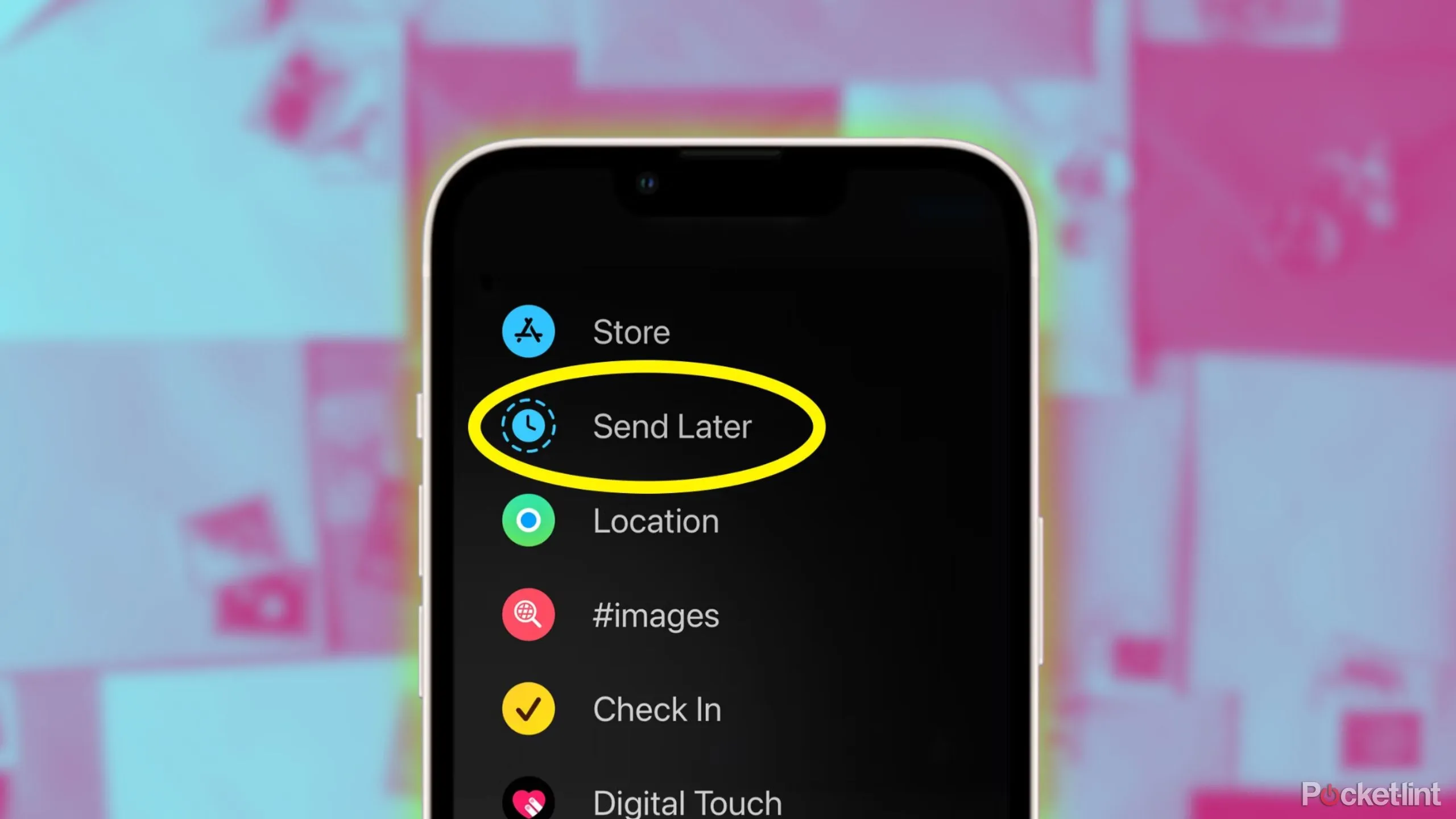
Introducing the Message Scheduling Feature
With the release of iOS 18, Apple has introduced an exciting capability for users: the ability to schedule messages directly in the Messages app. This feature allows you to manage your text sending effortlessly, ensuring your messages reach the right people at the right time.
How to Schedule a Message
- Open the Messages app on your iPhone.
- Compose your message in the conversation thread.
- Tap the schedule icon located in the text entry area.
- Select the date and time you want your message to be sent.
- Confirm your choice, and your message is now scheduled!
Benefits of Message Scheduling
This feature not only enhances user experience but also ensures that important messages are sent even when you are busy. Now, never miss a beat in your conversations!
This article was prepared using information from open sources in accordance with the principles of Ethical Policy. The editorial team is not responsible for absolute accuracy, as it relies on data from the sources referenced.